
In this article (7 sections)
The PPWR packaging documentation workbench is an online tool built by ZC that is now live on esgai.tw (the site and the workbench there are currently in Traditional Chinese). It brings your packaging BOM, supplier evidence, technical documentation and EU declaration of conformity (DoC) together in one place, where they are prepared, generated and kept. The PPWR (Regulation (EU) 2025/40) has applied since 12 August 2026 (Article 71), and every packaging type needs technical documentation and a DoC before it is placed on the market (Article 15(2); Annex VII, point 4). Access is enabled company by company, currently for PPWR advisory clients, and you can book an online demo.
Key takeaways
- Three months into the PPWR, what slows companies down is rarely understanding the law. It is getting the packaging BOM down to component level and collecting supplier evidence.
- You can upload the Excel BOM you already have or build packaging one SKU at a time; missing evidence is grouped by supplier into a request list.
- The technical file and DoC are generated in English, following the structure of Annexes VII and VIII. Until every pre-issue check passes, documents are marked DRAFT.
- There are two modes. In basic mode you produce one file per packaging type and your company’s signatory approves it; in advanced mode an adviser sets packaging families and reviews before finalisation.
- Conformity is decided by fixed rules with article references. AI reading of supplier declarations and test reports is still being built, and nothing it extracts is saved until a person confirms it.
Background: three months into the PPWR, where do companies get stuck?
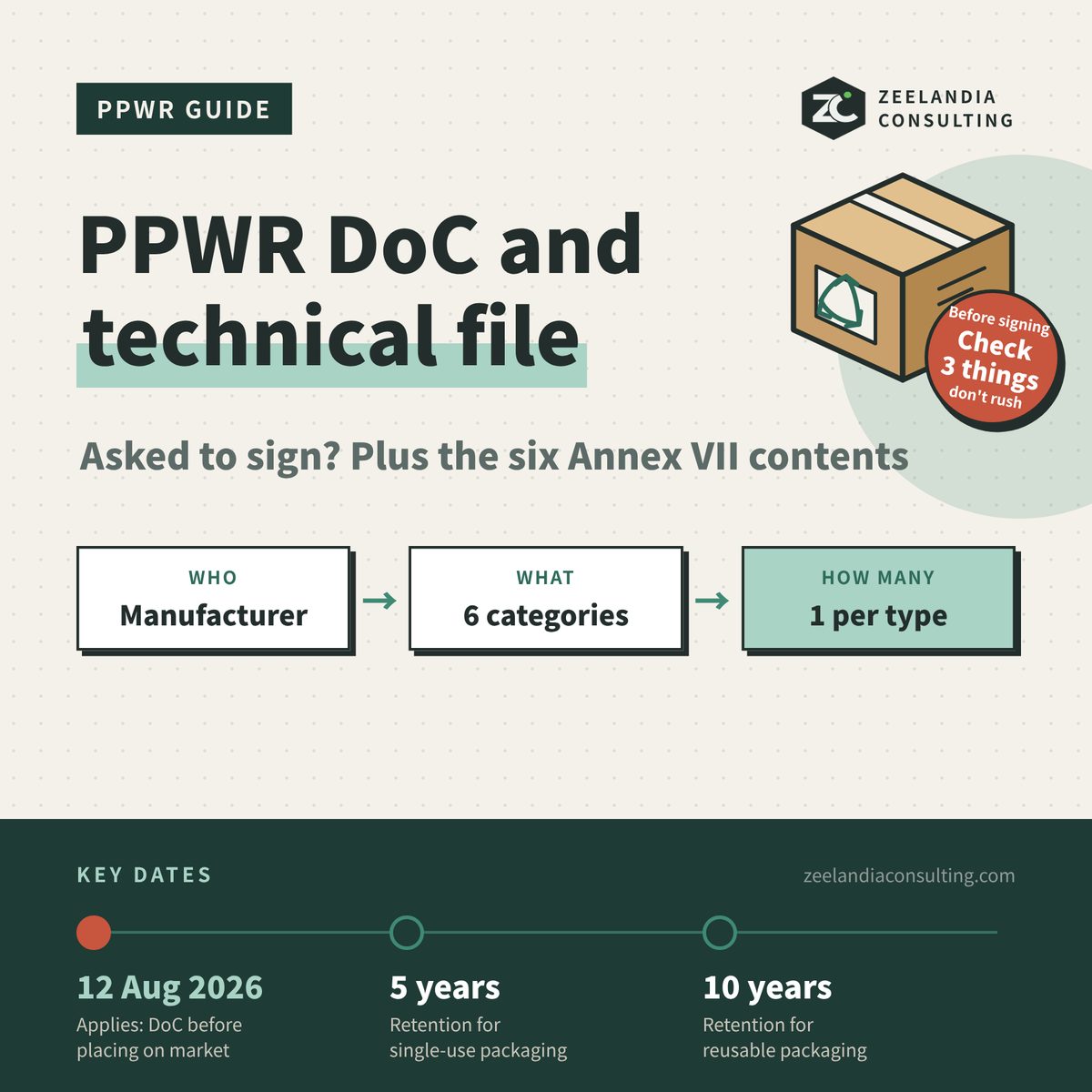
The PPWR requires manufacturers to complete the conformity assessment, draw up technical documentation and issue a DoC before packaging is placed on the market (Article 15(2)), with one DoC for each packaging type (Annex VII, point 4). Working through this with manufacturers in Asia and elsewhere outside the EU, three things take the most time:
- Incomplete packaging BOMs. Packaging part numbers in an ERP system are usually set up for purchasing. They carry no packaging level (sales, transport, e-commerce), no material or unit weight, and nothing that shows which part numbers make up one packaging unit.
- Scattered evidence. Heavy-metal reports, SVHC declarations and PFAS data for food-contact packaging sit with different suppliers and in different email threads, each with its own validity date. Under Article 16, suppliers must give the manufacturer the information and documents needed to demonstrate conformity, but evidence only counts if you can trace it and match it to a component.
- Many documents, many versions, long retention. One product may ship with a gift box, an outer carton, a pallet, stretch wrap and straps, and each of these is a separate packaging type (official FAQ XV-11). A change of material or supplier calls for a reassessment (Article 15(4)), documents are kept for 5 or 10 years (Article 15(3)), and on a reasoned request the authorities must receive them within 10 days (Article 15(10)).
Spreadsheets and shared folders can cope, until people change jobs and versions multiply. Then it becomes hard to say which document is the current one.
Still tracking evidence in spreadsheets and folders?
With many packaging types and suppliers, the hard part is showing which evidence sits behind each document and when it expires. See what the same data looks like inside the workbench.
What does the workbench do?
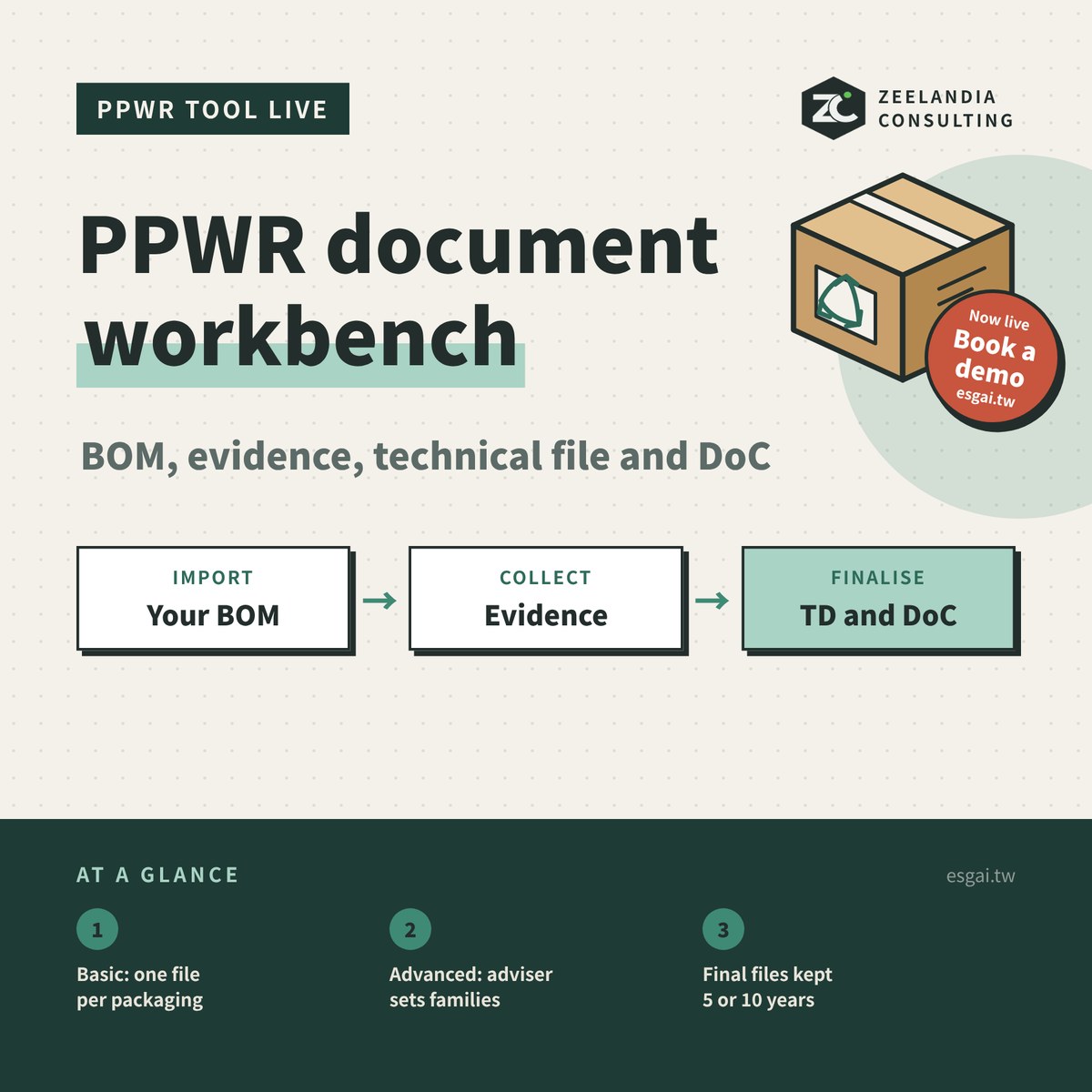
The workbench follows the order in which the work is actually done, in four steps: import the packaging BOM, collect supplier evidence, draft the technical file and DoC, and finalise once every check passes. It also sets out the EPR responsibilities for each shipping route.
Where do you start if your packaging BOM is a mess?
Most BOMs were not built with the PPWR in mind, so there are two ways in:
- Upload the Excel BOM you already have. There is no required format. The workbench finds the header row and maps common column names in English and Chinese (finished-goods number, part number, description, material, quantity, unit, unit weight, supplier and so on). You confirm the mapping and import; units are converted automatically, and where there is no packaging ID, packaging is created per SKU and packaging level.
- Build packaging one SKU at a time. Add sales, grouped, transport and e-commerce packaging layer by layer and pick components from a list of common items. Roll materials such as tape, stretch wrap and straps can be entered in metres. Packaging or components shared by several SKUs are updated everywhere at once, and identical packaging can be merged.
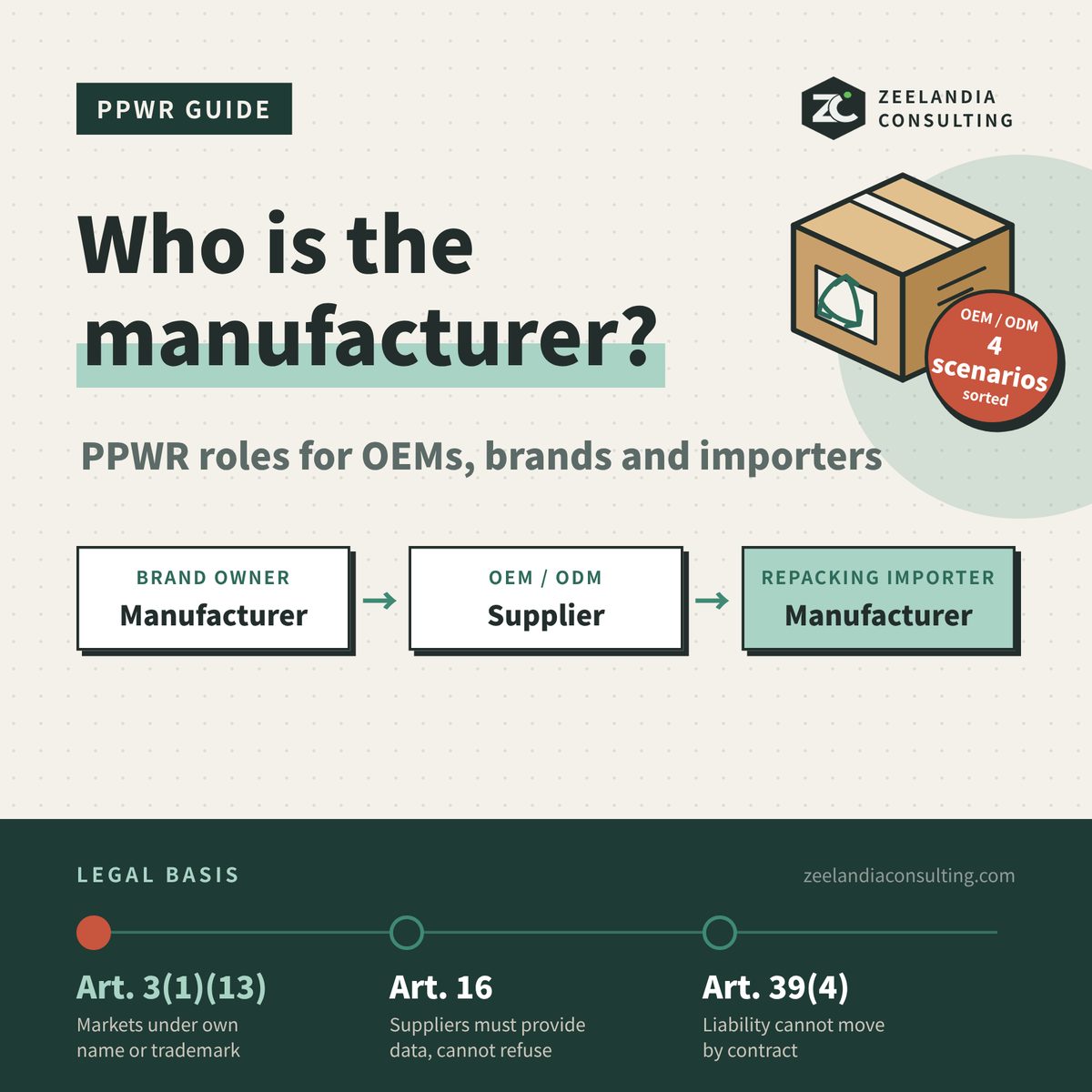
For each packaging unit the workbench also records who acts as manufacturer: packaging bearing your company’s name or trademark, custom-made packaging that your company orders and specifies, or generic packaging whose manufacturer is the company that physically makes it (official FAQ II-5 and X-14). For background on roles, see Who is the manufacturer under the PPWR?
What evidence is missing, and which supplier should you ask?
The check results show which evidence each component still lacks, which has expired, and which packaging cannot yet be documented. Missing evidence is grouped by supplier into a request list. For unbranded generic items, such as standard tape or stretch wrap, the workbench reminds you to ask the manufacturer for its DoC. Suppliers are already required to provide this information under Article 16; the list makes clear whom to ask and for what.
How are the technical file and DoC produced?
Select a SKU and you see how many DoCs it needs: one per packaging type. For each packaging unit, the English technical file and DoC are previewed live, following the structure of Annex VII and Annex VIII. Missing data is highlighted in yellow and the preview updates as soon as you fill it in.
- Until every pre-issue check passes, documents are marked DRAFT.
- Only when all checks pass and the content has been confirmed can a version be finalised in the document library. A finalised version cannot be edited or deleted; changes mean a new version.
- Documents can be downloaded as Word files or printed, and every download is also saved to the document library.
- In advanced mode, an adviser works on the same data to set packaging families and document numbers and to review before finalisation, so there is no more emailing spreadsheets back and forth.
For what the DoC and technical documentation must contain, see PPWR declaration of conformity and technical documentation.
How do the basic and advanced modes differ?
| Basic mode | Advanced mode (with an adviser) |
|---|---|
| You complete it yourself in the workbench | An adviser joins and works with you |
| One technical file and DoC per packaging type | Organised by packaging family, so a group of packaging is managed at once |
| Your company’s signatory confirms and approves before finalising | The adviser sets families and reviews before finalising |
In both modes the manufacturer signs and is responsible for the DoC (Article 39(4)); an adviser’s review does not change that.
Transport packaging and EPR: who is the manufacturer, and who registers?
The same product may ship directly to an EU distributor, be resold through an EU subsidiary, or be sold cross-border straight to consumers, and the DoC manufacturer and the EPR producer in each country can differ in each case. For every shipping route, the workbench sets out four results: the DoC manufacturer, the PPWR importer, the EPR producer for the product packaging and the EPR producer for the transport packaging. It then lists what your company needs to do and what to watch for, each point with its legal reference.
Where are documents kept, and for how long?
- Automatic saving. Changes save to the cloud about three seconds after you make them, with no save button. Data is stored within the EU jurisdiction.
- Companies kept fully apart. Members of your company with access see the same data, plus your adviser in advanced mode. If two people edit at once, whoever saves second is alerted and chooses to load the other version or keep their own.
- Supplier documents. Source files are not stored; only the fields you have confirmed are kept.
- Version history. A version is saved automatically before clearing data or importing a new BOM, and at intervals while you work, so you can always roll back.
- Document library. Every version of every technical file and DoC is kept, drafts and finalised versions alike, with a record of who generated it and when.
- Retention. Designed around Article 15(3): 5 years from placing on the market for single-use packaging, 10 years for reusable packaging. After your contract ends you can still sign in to view and download documents; you just cannot edit them.
Why do rules, not AI, decide the conclusions?
The DoC is a legal commitment. By drawing it up, the manufacturer assumes responsibility for the packaging’s compliance (Article 39(4)), and that responsibility cannot be transferred by contract (official FAQ X-9). That is why the workbench uses fixed rules: the same data always gives the same result, and every result cites the article or official FAQ it rests on, so you and your adviser can both check the basis.
AI is used only to read data. AI reading of supplier documents, which is still being built, will extract heavy-metal, SVHC and PFAS values and validity dates from supplier declarations and test reports, citing the page and the original wording for each field. Whether a value exceeds a limit is checked by the software, not by the AI, and nothing is saved until you confirm it. The privacy policy on esgai.tw will be updated before this feature opens.
Who can use it, and how to start
- Access. The workbench runs on esgai.tw, where you sign in with your company email. Access is enabled company by company, currently for PPWR advisory clients, and everyone in your company with access can use it.
- Two modes. In basic mode you complete the work yourself and your signatory approves; in advanced mode an adviser works with you. Your own BOM format works, and clients already using ZC’s PPWR templates can import the template master sheet directly.
- Available now. BOM import and guided entry, evidence checks and request lists, technical files and DoCs, EPR responsibilities, automatic saving, version history and the document library.
- In development. AI reading of supplier documents. Workbenches for the Battery Regulation, the Deforestation Regulation and the Forced Labour Regulation are coming. Documents are generated in English; the interface is currently in Traditional Chinese.
To see it in action, book a 30-minute online demo and we will walk through the flow from BOM to DoC with sample data.
Not sure whether you are the one who signs the DoC?
The workbench handles how documents are produced and managed. Before that, you need to know your role on each shipping route.
Take the free PPWR compliance check: your role and gaps in about 8 minutes →
Three questions to check now
- Does your packaging BOM go down to component level: can you find the material, unit weight and supplier of every component today?
- When does the supplier evidence for each component expire (heavy metals and SVHCs, plus PFAS for food-contact packaging), and who is tracking it?
- If an authority asked today, for which packaging types could you hand over the technical documentation and DoC within 10 days, and which version is current?
Common misconceptions
MythThe pallet, stretch wrap and straps ship with the carton, so one DoC covers them all.
FactThe Commission's FAQ states that there is no exemption for transport packaging: pallets, pallet collars, wrappings and straps are completely different packaging types and need separate assessments and separate DoCs (official FAQ XV-11). For unbranded generic items, the manufacturer is normally the company that physically makes them (official FAQ II-5).
MythA DoC generated by a tool is compliant once it is signed.
FactA DoC is only as strong as the evidence in the technical documentation. By drawing it up, the manufacturer assumes responsibility for compliance (Article 39(4)), and this cannot be transferred by contract (official FAQ X-9). A tool makes the data complete and the gaps visible, but while evidence is missing, the answer is still "not ready to sign".
FAQ
What is the PPWR packaging documentation workbench?
It is an online tool on esgai.tw that lets companies prepare, generate and keep their packaging BOM, supplier evidence, technical documentation and DoCs in one place. Conformity is decided by fixed rules with article references, the technical file and DoC follow the structure of PPWR Annexes VII and VIII, and data is stored in the EU. Access is enabled company by company, currently for PPWR advisory clients.
Our BOM is an ERP export. Can we use it as it is?
Yes. Upload an Excel BOM in any format; the workbench finds the header row and maps common column names in English and Chinese, and you confirm the mapping before importing. An incomplete BOM is fine: missing fields show up in the check results.
Can we sign the DoC the workbench produces straight away?
Documents that have not passed every pre-issue check are marked DRAFT. Once all checks pass, your company’s signatory approves in basic mode and an adviser reviews in advanced mode. Either way, the signatory must still confirm the evidence and the scope of the declaration, because by drawing up the DoC the manufacturer assumes responsibility for compliance (Article 39(4)). The DoC must also be in, or translated into, the language required by the Member State where the packaging is sold (Article 39(2)).
Where is the data stored, and who can see it?
Working data and documents are stored in cloud storage within the EU jurisdiction. They are visible to the members of your company with access, plus your adviser in advanced mode; companies are kept fully apart. Data processing is described in the privacy policy on esgai.tw.
Does the workbench use AI to decide whether packaging complies?
No. Conformity is decided by fixed rules, and every result cites the article or official FAQ it rests on. AI is used only for reading supplier documents, a feature still being built: it extracts values and validity dates with the page and original wording, and you confirm them before they are saved.
How do the basic and advanced modes differ?
In basic mode you produce one file per packaging type yourself, and your company’s signatory confirms and approves it. In advanced mode an adviser joins, sets packaging families and reviews before finalisation. In both modes the manufacturer signs and is responsible for the DoC (Article 39(4)).
Do we need ZC’s PPWR templates to use the workbench?
No. The workbench works with your own BOM format, and neither the screens nor the documents use template terminology. Clients already using ZC’s PPWR templates can import the template master sheet directly.
Can we still see our documents after the contract ends?
Yes. When your contract ends, the workbench becomes read-only and you can still sign in to view and download technical files and DoCs. Retention is designed around PPWR Article 15(3): 5 years from placing on the market for single-use packaging, 10 years for reusable packaging.
Further reading
- PPWR declaration of conformity and technical documentation
- Who is the manufacturer under the PPWR?
- Free PPWR self-check: five core requirements and the 2026 to 2040 timeline
Next step: choose the route that fits
- 01PPWR packaging check
Not sure where you stand? Answer a few questions about your role and packaging and see where the gaps are. Free, about 8 minutes.
Start the check ↗ - 02Prepare the documents yourself with

Missing the paperwork? Organise your packaging BOM and supplier evidence online and generate draft technical documentation and DoCs by fixed rules, confirmed by your signatory. Enabled per company after a demo.
See the workbench ↗ - 03Work with ZC consultants
How to group packaging families, whether a limitation is acceptable, whether supplier evidence is enough: ZC consultants make these calls with you and review the documents.
See the advisory project →
Sources · Regulation (EU) 2025/40 (PPWR) · European Commission: Packaging waste (PPWR guidance and FAQ). This article is general information and not legal advice for any specific case. Obligations are defined by the Official Journal of the EU.
PPWRPPWR packaging documentation workbenchPPWR packaging BOMPPWR technical documentationPPWR declaration of conformitysupplier evidenceesgai